
Panmaker
A webstore for a self-employed tool producer who needed more
automation to be able to focus on his craft.
Overview
The goal of this project was to build a new web-shop for a self-employed family member of mine. He already had a web-store, but had to manually calculate shipping rates, bill clients, and handle all customer communication himself. He challenged me to build a single platform that could handle all of this: a design that felt modern without confusing his existing customers, and an application that could grow in the future without emptying his wallet.
Design
The existing design felt incoherent. Some UI elements were pulled from existing libraries, while others were custom-made, which gave the site an unprofessional, and potentially untrustworthy, look to new customers. The goal of the redesign was to attract new customers while still feeling familiar to existing ones.
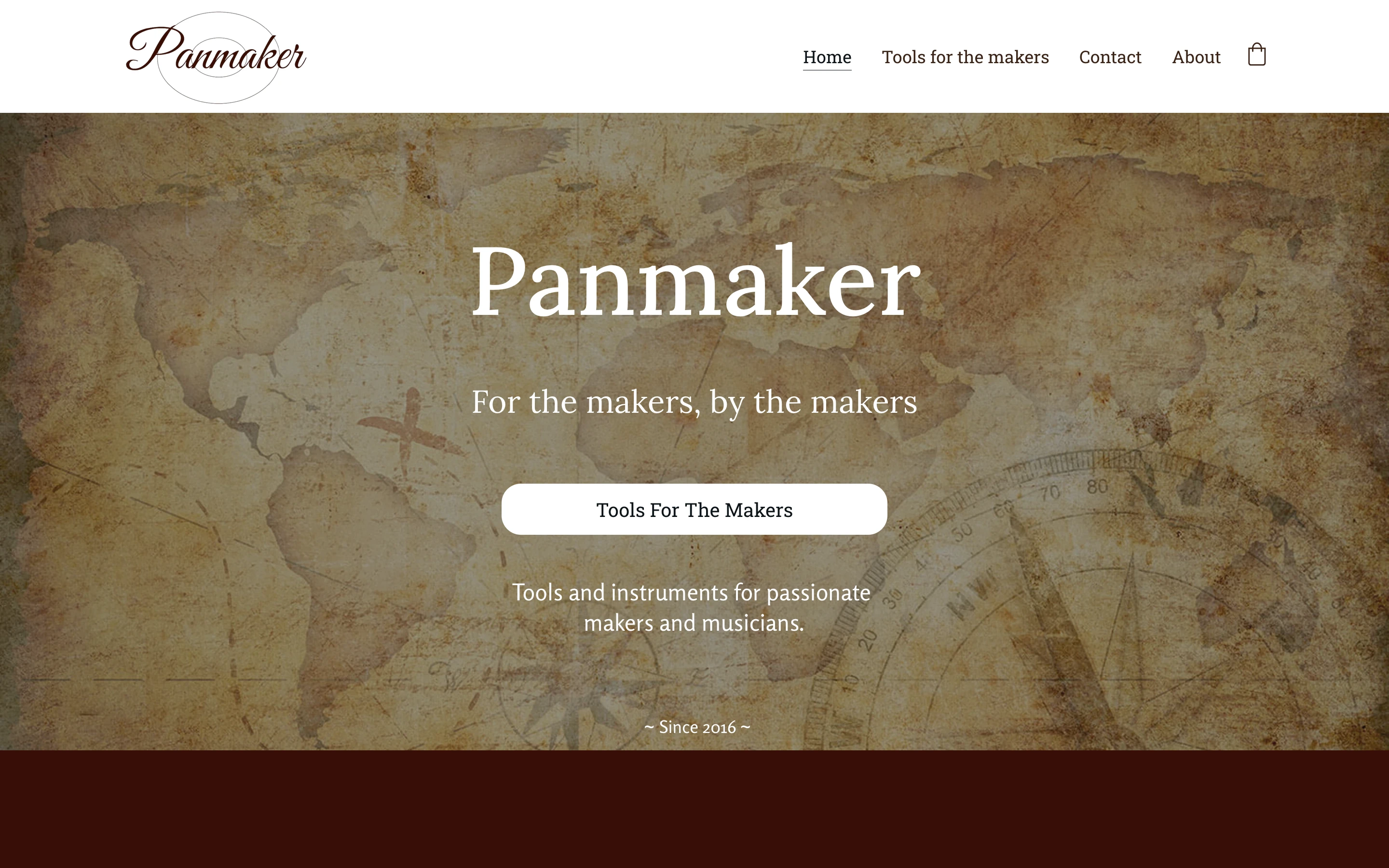
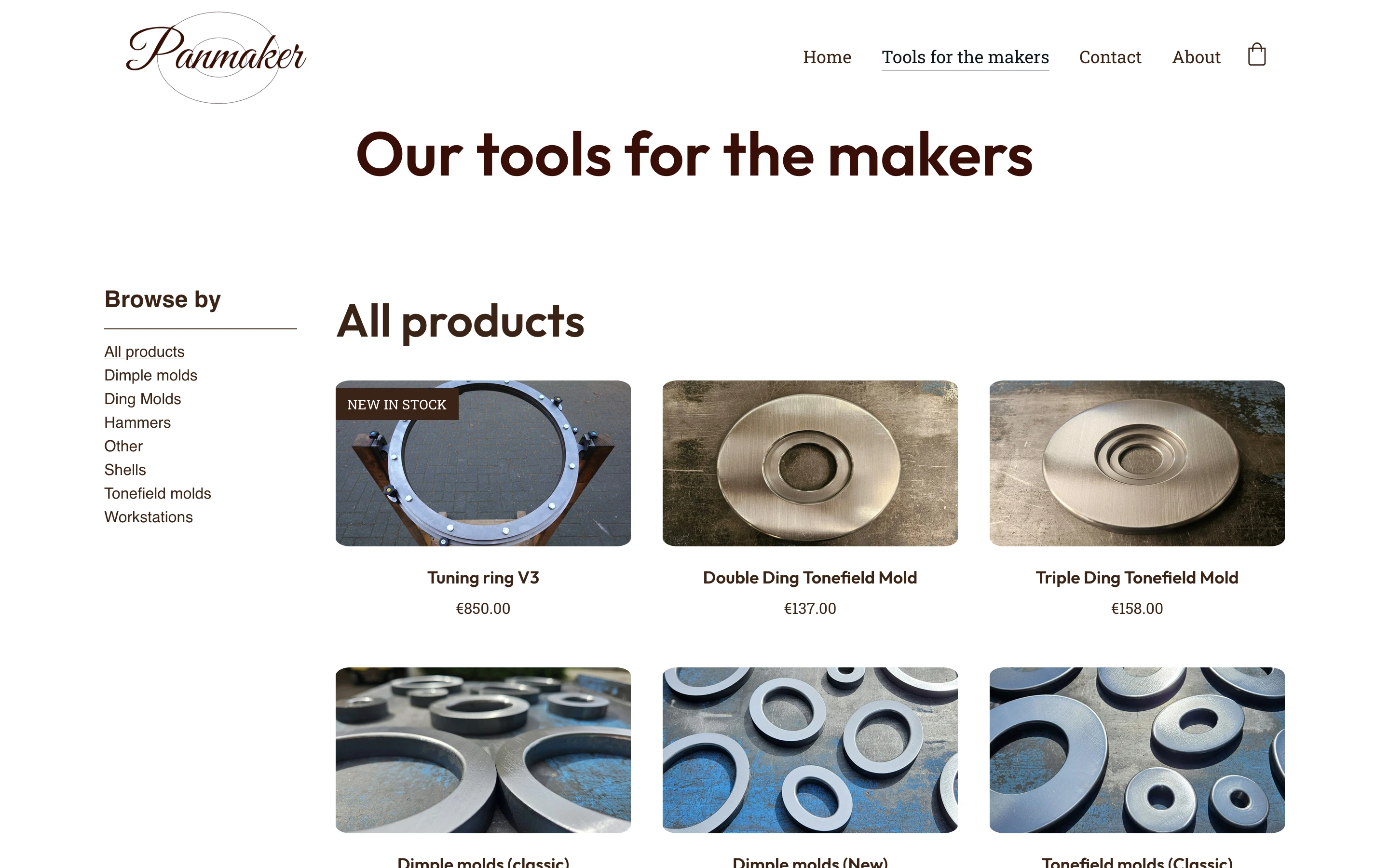
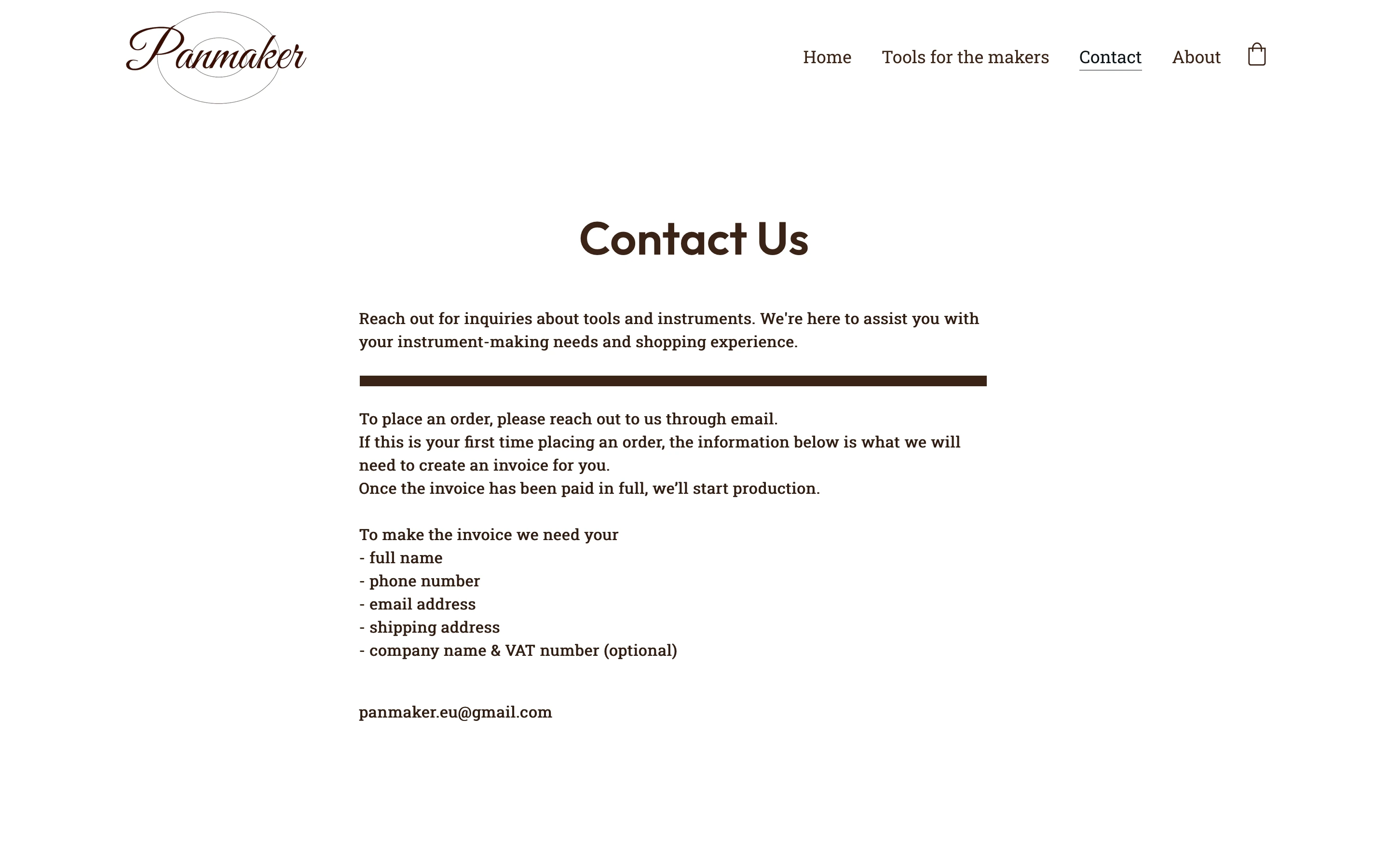
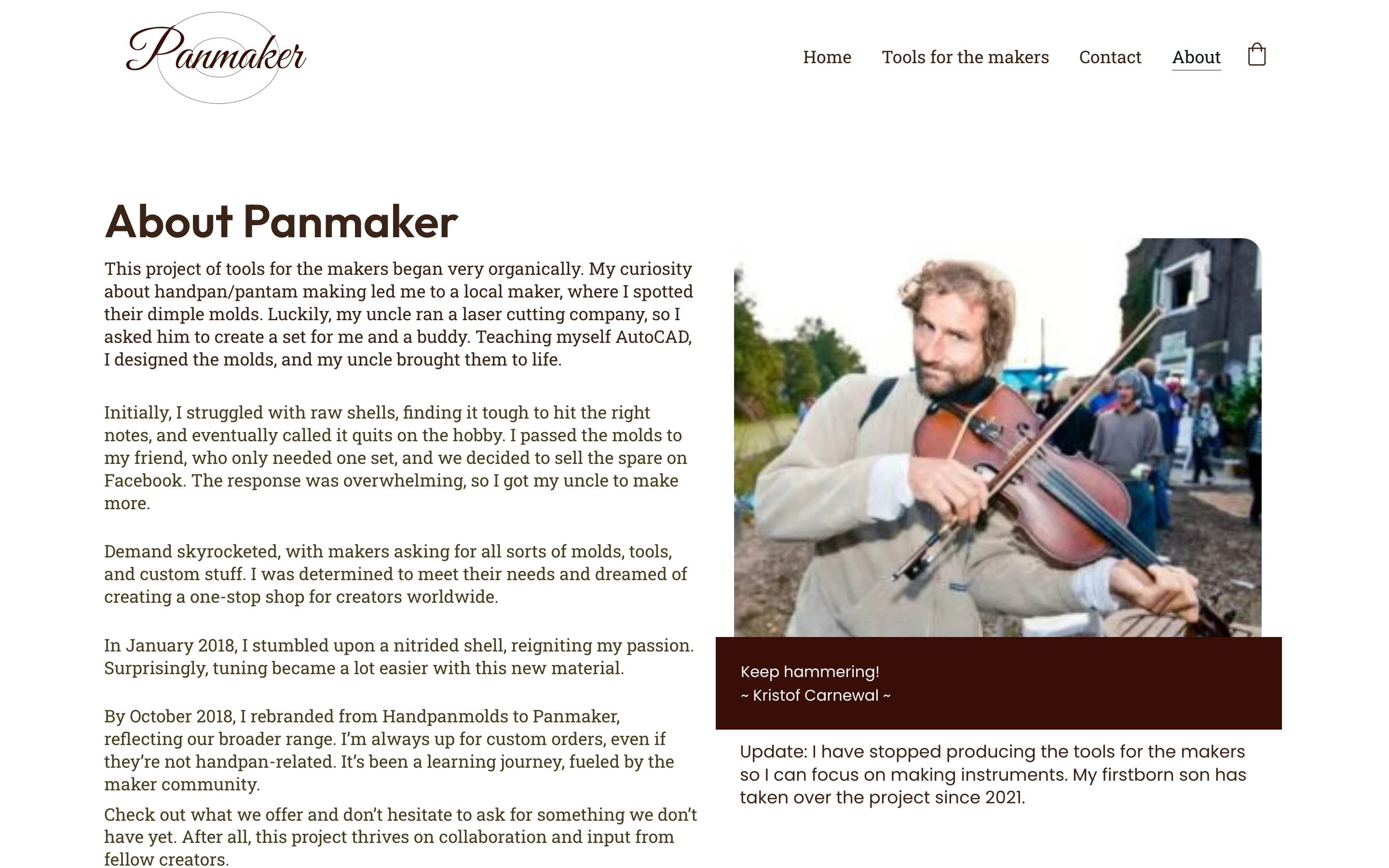

I started by exploring different styles and combining them into a moodboard. I wanted to keep the earthy tones of the original website, so that's what I looked for first. After some time gathering imagery from Pinterest, I put together a small moodboard.
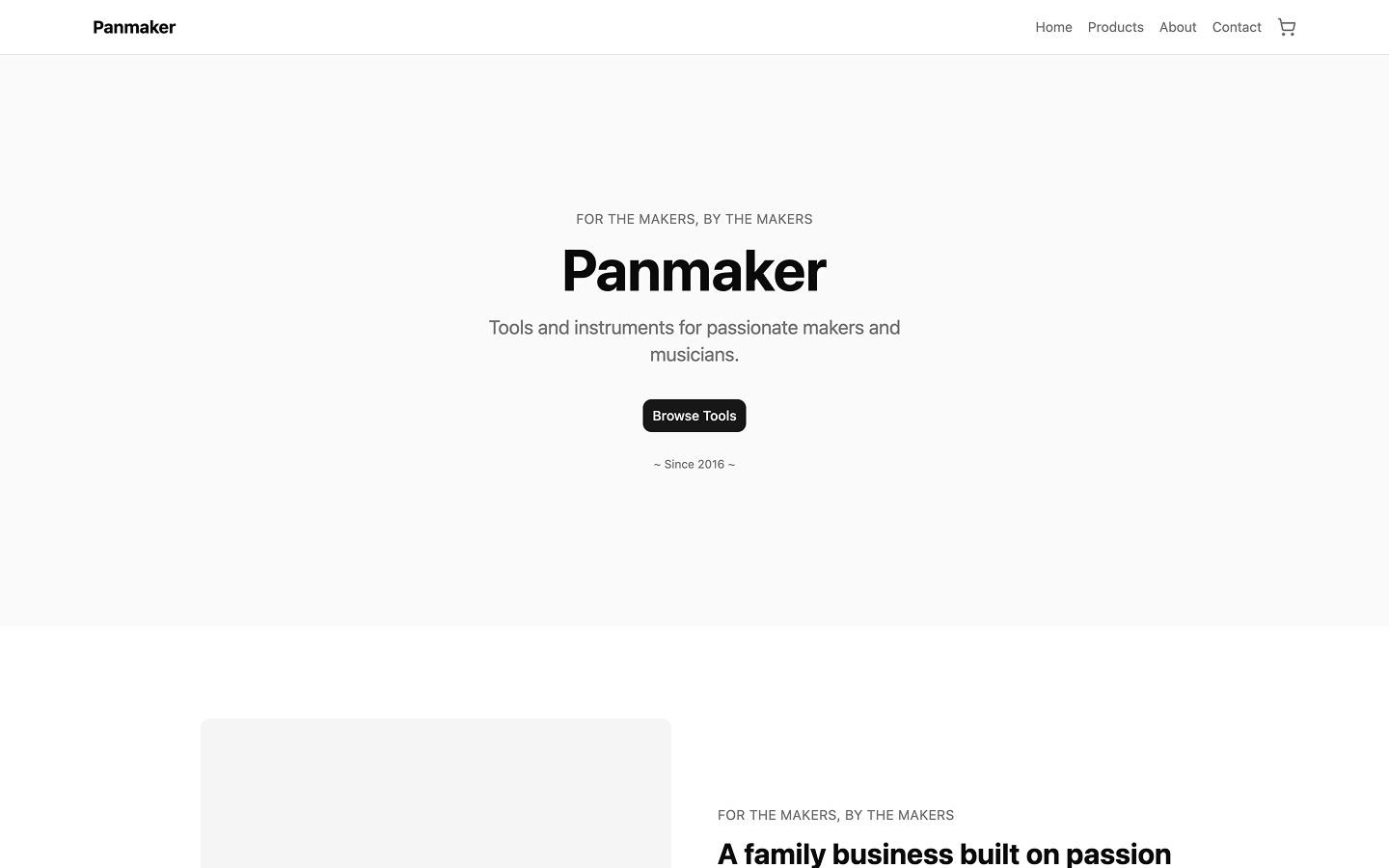
Once I had that, I moved on to a low-fidelity mockup of what I wanted the page to look like. I aimed to keep it as simple as possible, so as not to expand the scope of the project.

Once I had that, I moved on to a low-fidelity mockup of what I wanted the page to look like. I aimed to keep it as simple as possible, so as not to expand the scope of the project.
After the mockup, I started adding images and new colors, but I wasn't happy with the result: the off-white I'd used clashed too much with the imagery on the site.
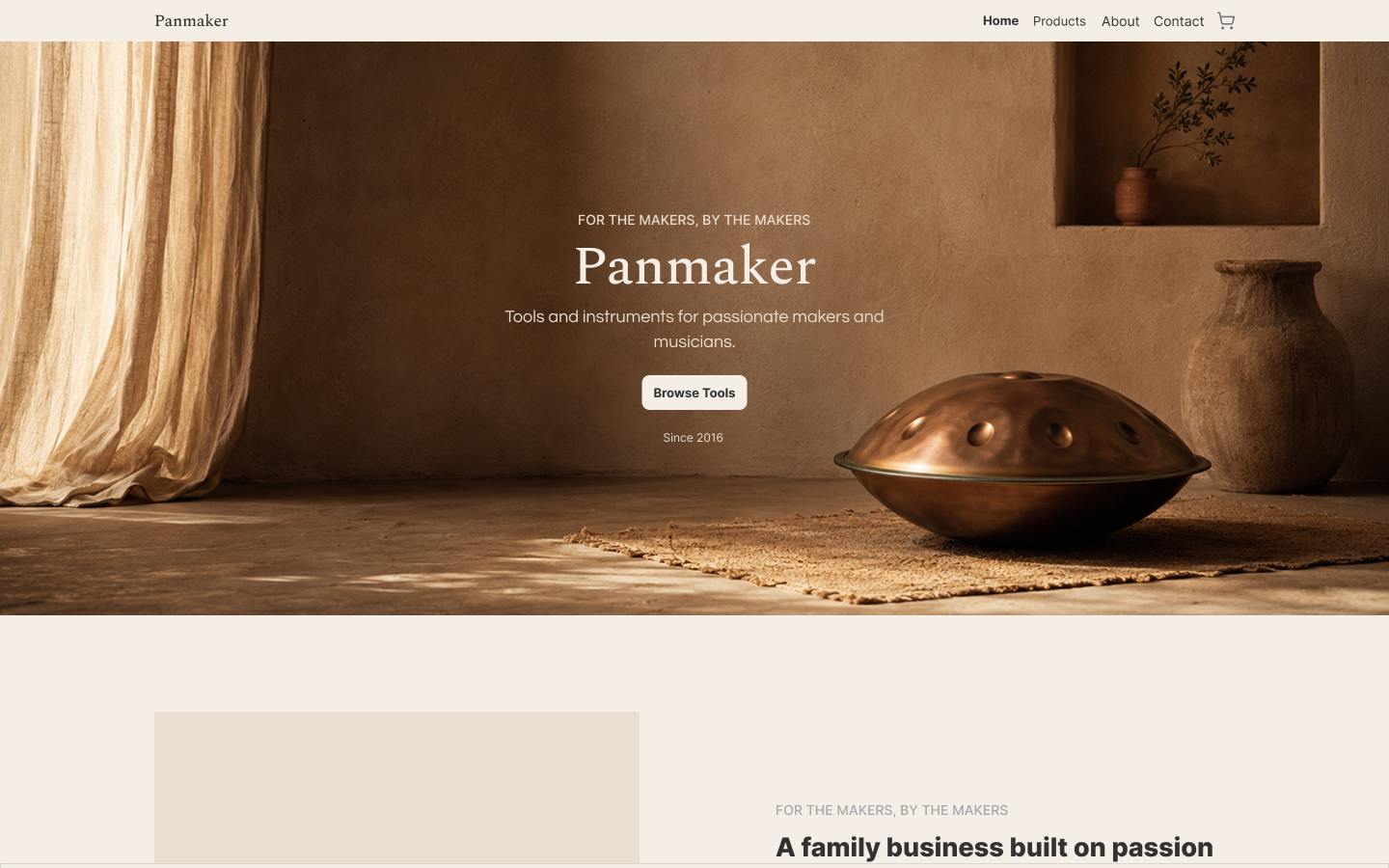
I decided to take a step back and reduce the number of colors in the design, since the store would already rely heavily on images, and too many colors on top of that would make the page feel cluttered, like a coloring book.
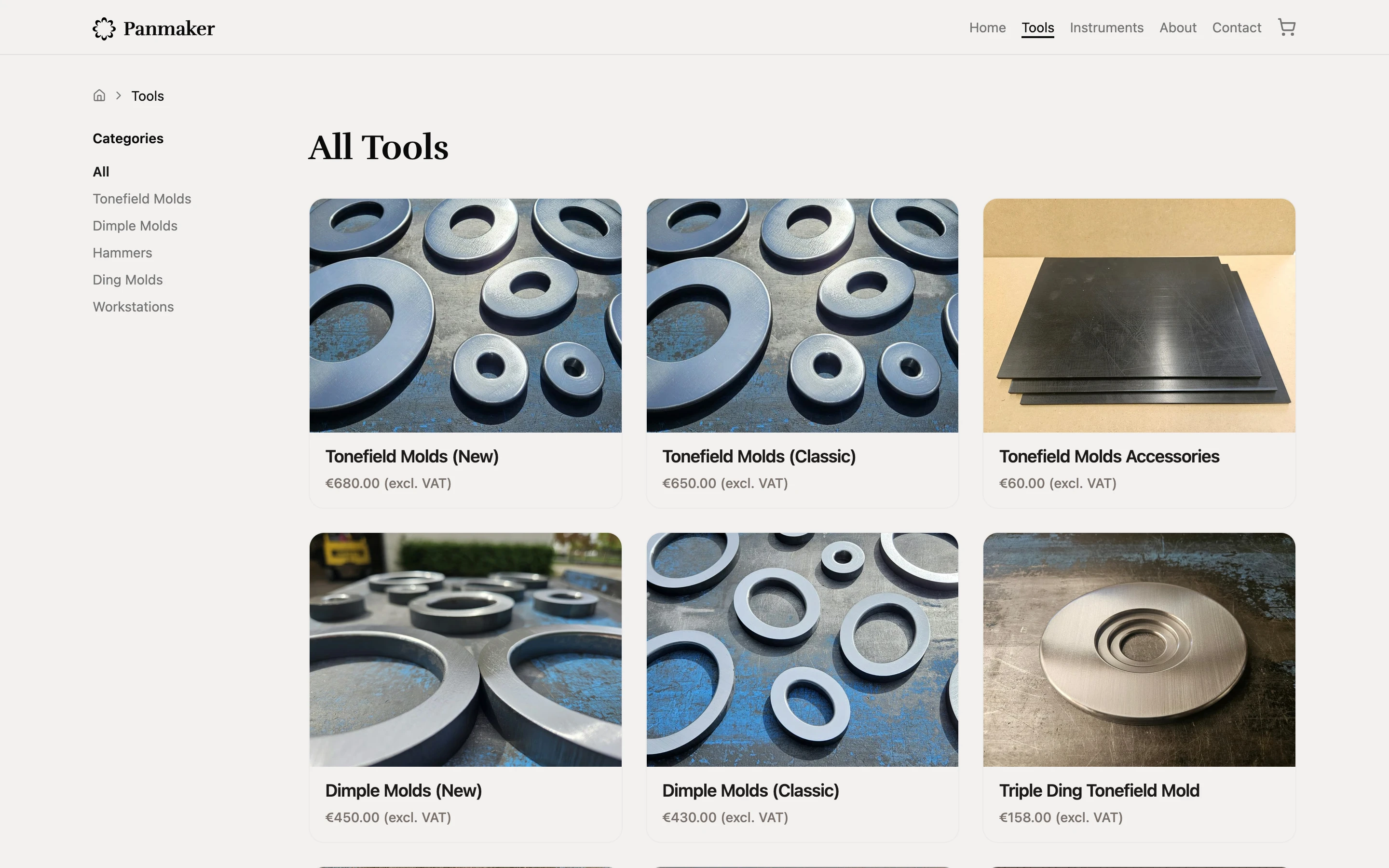
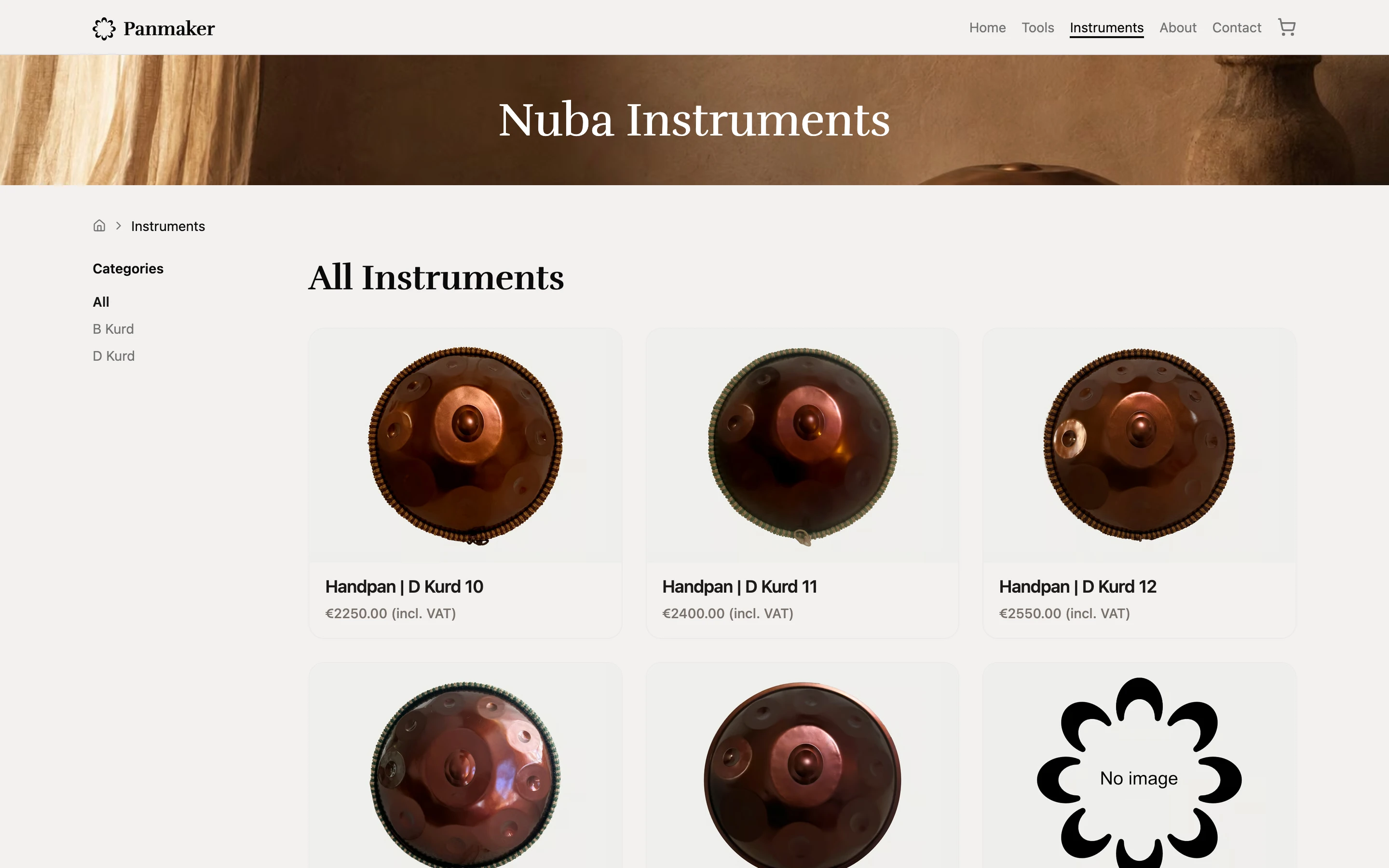
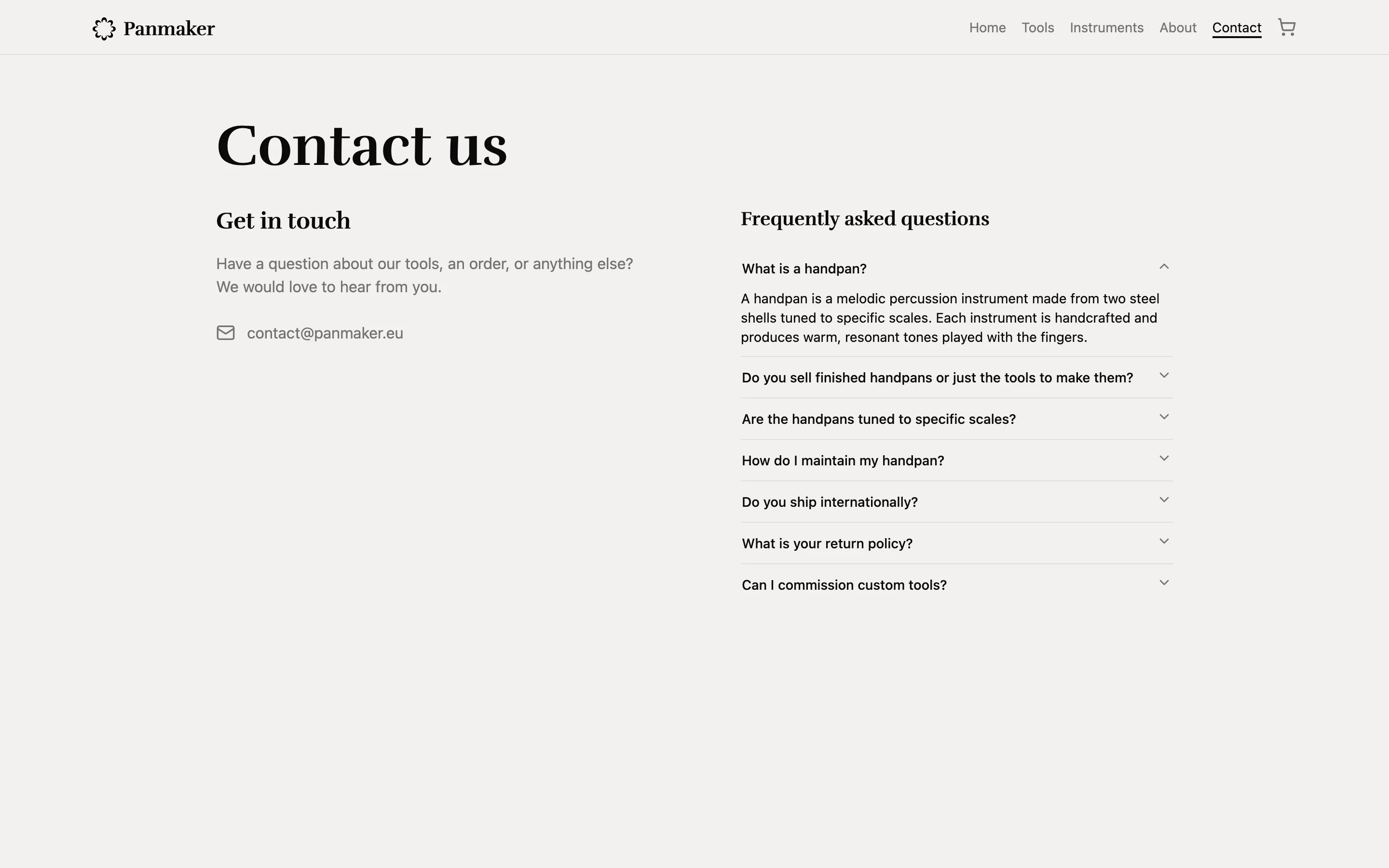
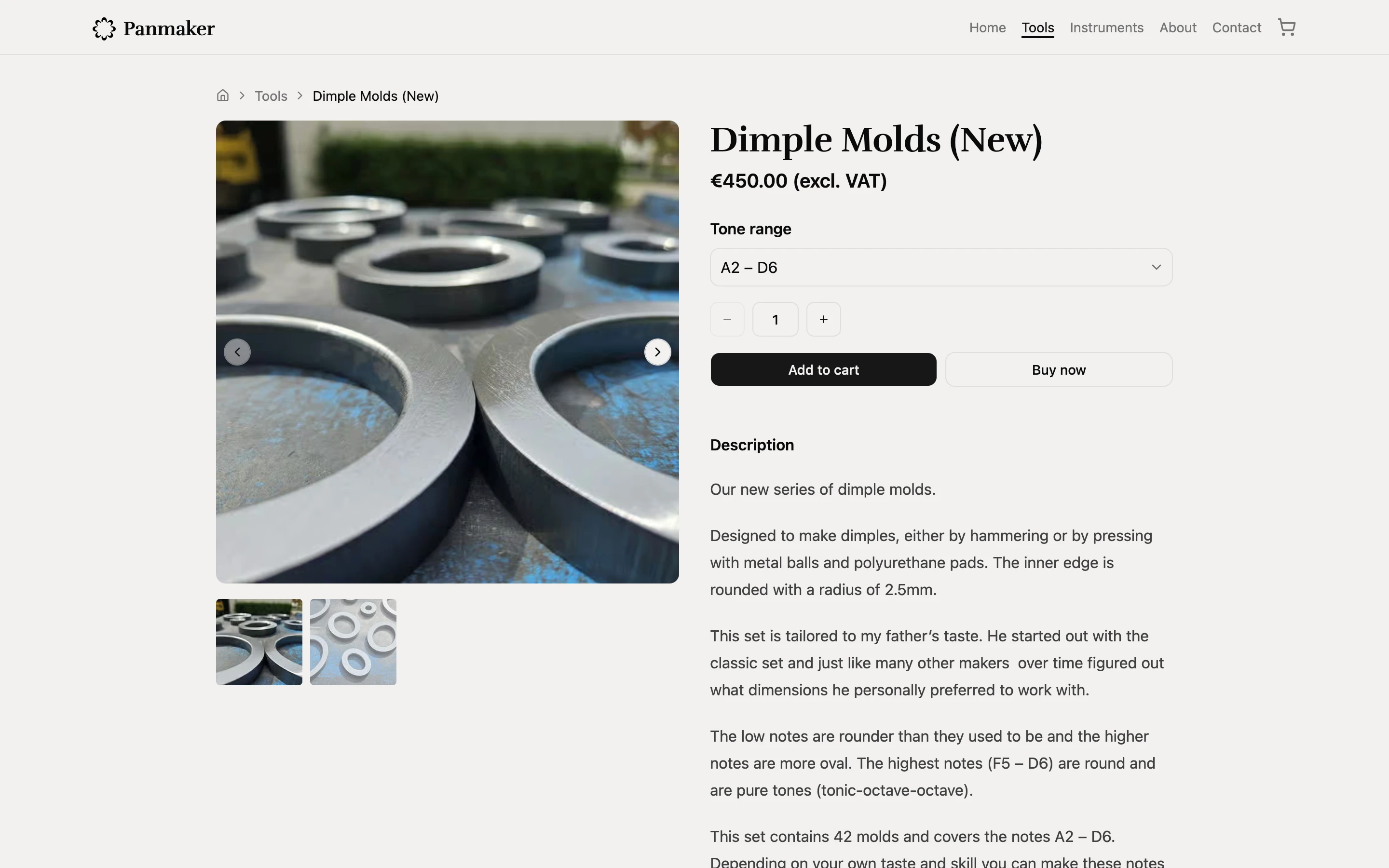
I kept iterating and landed on a design I liked: modern and clean, without too many bells and whistles. I also created a new logo, based on the instruments the company produces.


Technology
For the tech stack, I stuck with technology I was already comfortable with. I've used Next.js as my framework for the past several projects, so it was the natural choice here too.
I've also been working with Payload for a while and find it intuitive. An added benefit is that it integrates well with both Stripe and Cloudflare, two technologies I already wanted to use.
I first looked at Shopify to handle payments, the catalogue, etc., but the pricing didn't work in our favor. Their cheapest plan is €24/month, and on top of that they charge a minimum of 2% + €0.25 per transaction (excluding Bancontact and iDEAL) as a transaction fee. Stripe, which I'd used before, turned out to be cheaper: within Europe it only takes 1.5% + €0.25 per transaction. Adding Stripe Tax for automatic tax calculation costs another €0.45 per transaction, bringing the total to 1.5% + €0.70 per transaction. On products ranging from €20 to €1,200, Stripe was clearly the more favorable option.
Sending emails programmatically was something I'd only recently started exploring, but it was a must-have for a project like this. I went with Resend, which allows up to 3,000 emails per month for free (plenty for this project) and integrates smoothly with Payload, which meant less friction during development.
I chose to host the site on Cloudflare. This is more of a personal preference than something backed by hard data, but I've never liked Vercel as a hosting platform. I find their pricing model risky, since one mistake can end up costing you. I've been hosting Next.js projects on Cloudflare ever since discovering OpenNext, which lets you deploy Next.js apps to platforms that don't natively support them. The one significant drawback of Cloudflare is that projects don't run in a Node.js environment, which breaks some functionality, with Sharp (a popular image-processing library that requires Node) being the main example.
Since I am using Cloudflare, I also decided to use their data storage options as well. They are really cheap and effective in comparison to other platforms. It allows me to modify the images so I can have dynamicly sized images, depending on the size they have on the front-end
Since I was already using Cloudflare, I also used their storage options, which are cheap and effective compared to other platforms. This let me serve dynamically sized images depending on where they're displayed on the front end.
The first solution was the implementation of a LQIP (Low Quality Image Placeholder). After an administrator uploads an image to the web-shop, the back-end will take that image and create a 16x16 version of it. After which it will generate a Base64 version of it, allowing us to render it server-side while we wait for the real image to finish loading.
Checkout and order flow
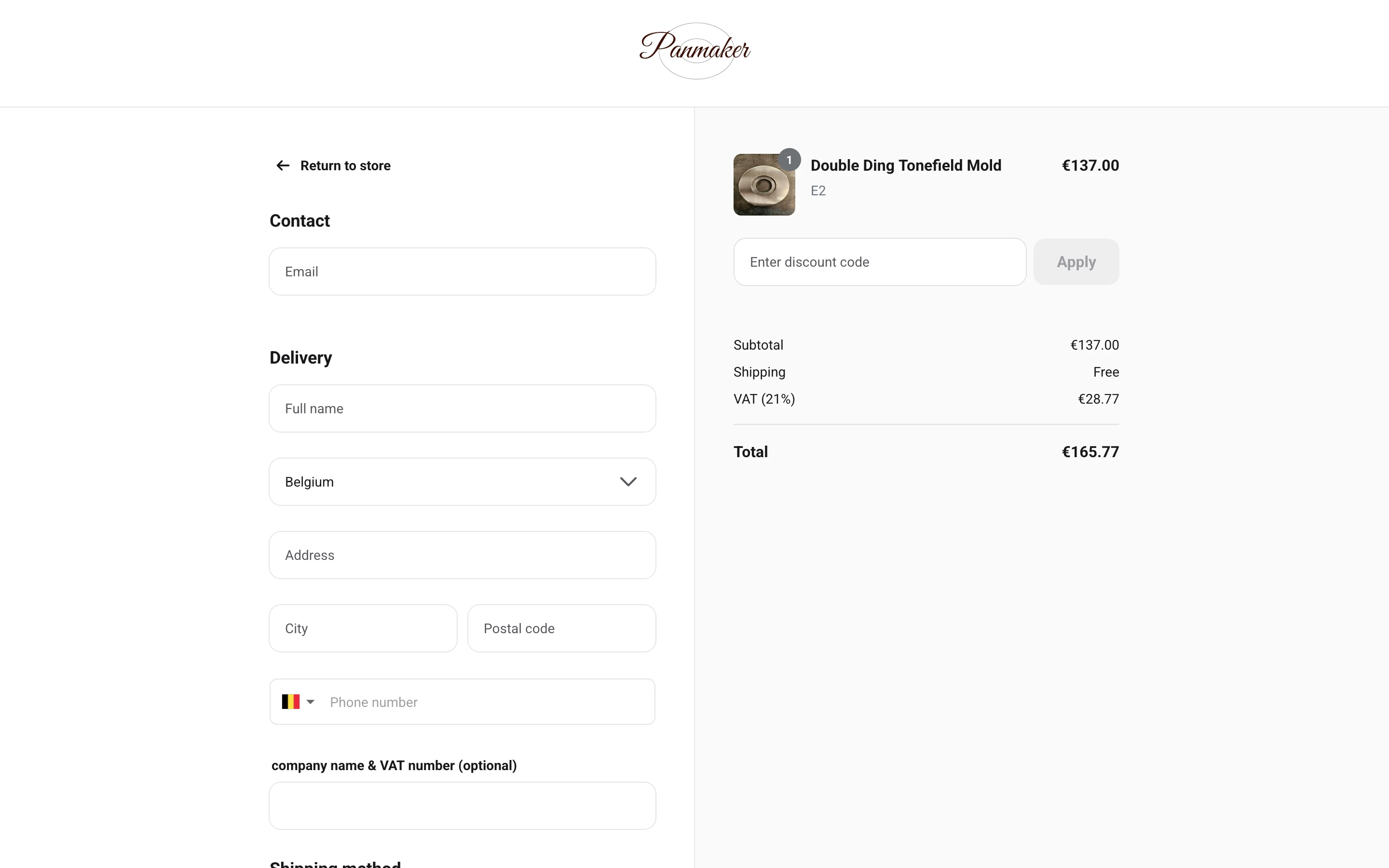
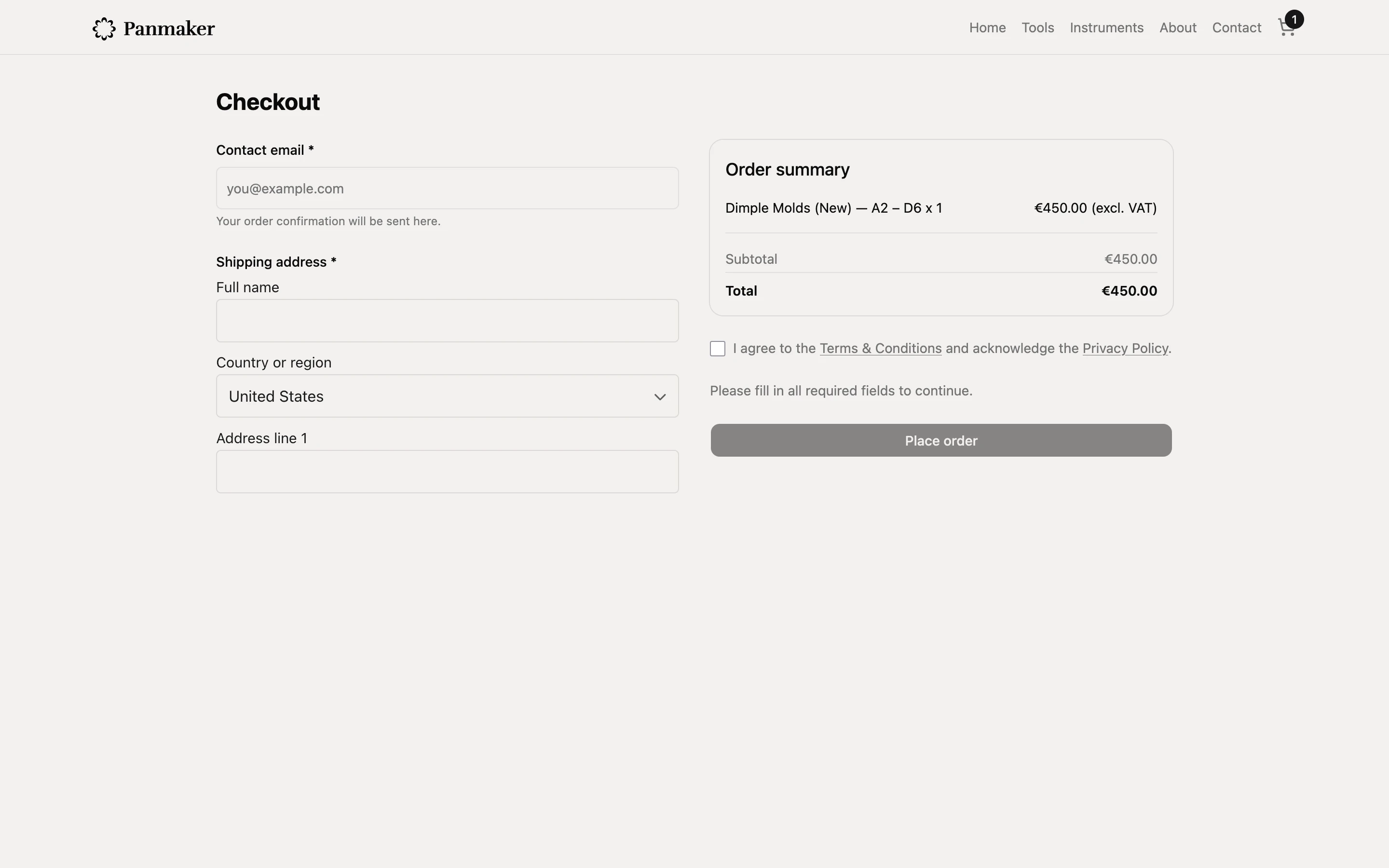
The most important part of the project was the checkout process, and specifically what happens after checkout. Previously, the owner would receive emails describing what a customer wanted, write up a receipt both parties could use for tax purposes, wait for payment, ship the order, and personally answer any shipping-related questions. My job was to streamline all of this so the business owner could step back from admin work and focus on what actually matters: producing the products that get sold on the site.
Shipping was one of the biggest pain points to solve. Previously, the owner had to check two Excel tables for every order: one showing the box size required for a given product, and another showing the shipping price for that box size to the destination country. My solution was to assign a box size to each product ahead of time, so the system could automatically look up the corresponding shipping price for the customer's destination at checkout. This turned a manual, two-lookup process into an instant, automated calculation.
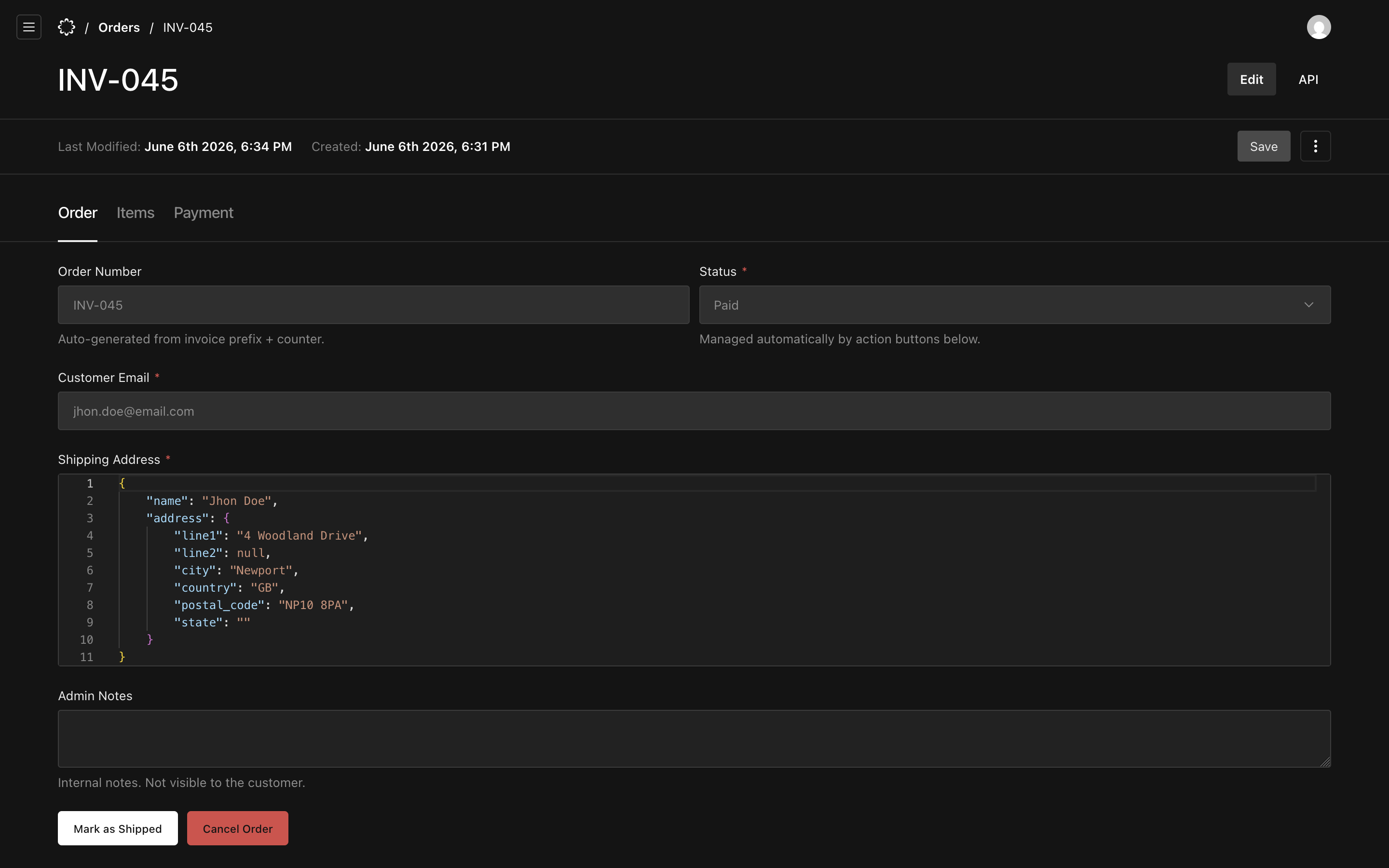
After some back and forth with the business owner, we arrived at the following flow. Once the total, including shipping, is calculated, the customer checks out either through Stripe or by bank transfer. Stripe handles the automatic side, but since many existing customers were already used to paying by transfer, we kept that as a valid option too. Once Stripe processes a payment, the customer automatically receives a receipt and a confirmation email listing their order. The business owner then sees the order appear in the Payload dashboard, where he can manage its status: an overview of the customer, the items purchased, and the payment details. Once the order has been packaged and handed to a carrier, he marks it as shipped, which triggers a new email letting the customer know their order is on its way.
This process automates a lot of the work that used to cause the business owner headaches, letting him focus on his craft instead.
Conclusion
We built a web-shop using modern technology, weighing our technical options carefully to find the most optimal solution within the project's requirements. We gave the site a fresh, more modern look while keeping it familiar to existing customers. We implemented everything the business owner needed, allowing him to focus more on his core business instead of admin work. And we made sure the whole platform is up to standard and follows SEO best practices. The business owner was thrilled with the end result and especially happy with the new design.